Ghost Overlay
A faint copy of your last photo sits over the live camera, so you can line up your pose, distance and angle before you tap the shutter.
 SeeMyChange
HomeFeatures
SeeMyChange does one job — helping you take the same photo again and again, then showing you the difference. These are the tools that make that work, and which ones are free.
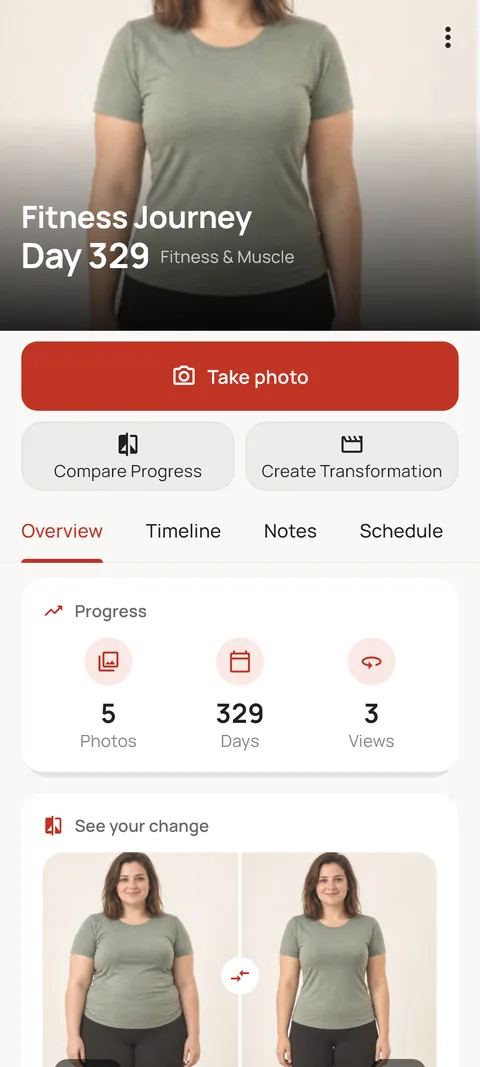
Real screens from SeeMyChange. Every Journey keeps its photos, dates and comparisons in one place.
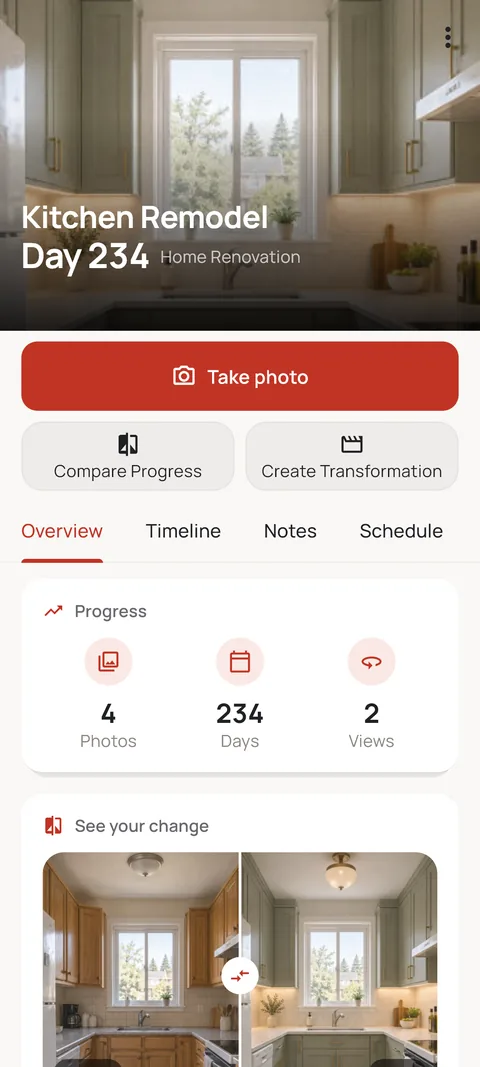
Put before and after side by side and see the difference clearly.
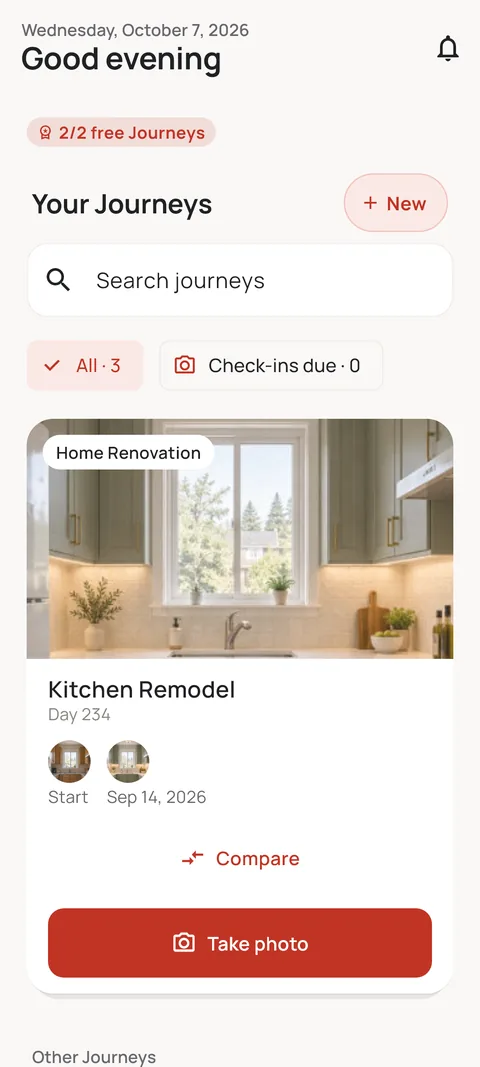
A kitchen remodel, your growing cat, your fitness goal: all on one screen.
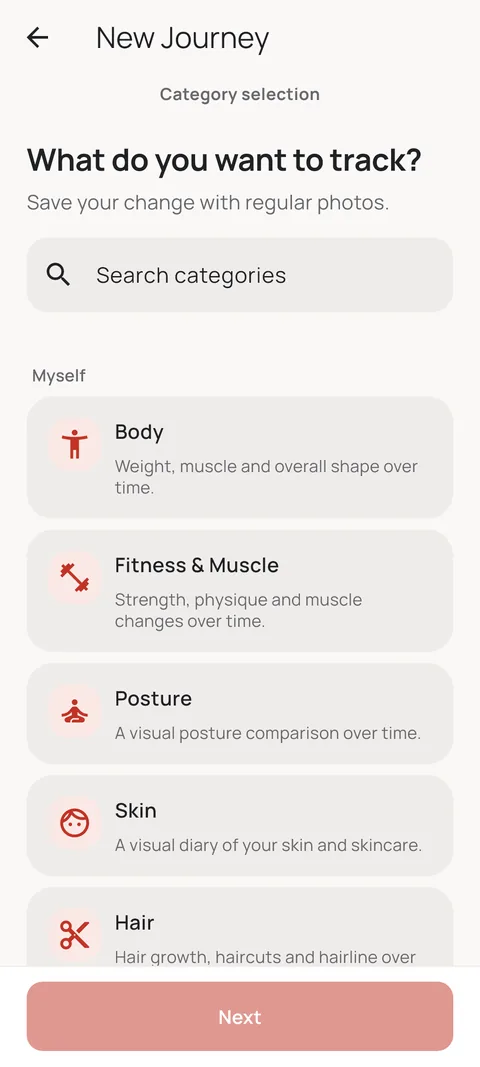
Body, skin, hair, baby, pet, plant, home… 22 Journey types.
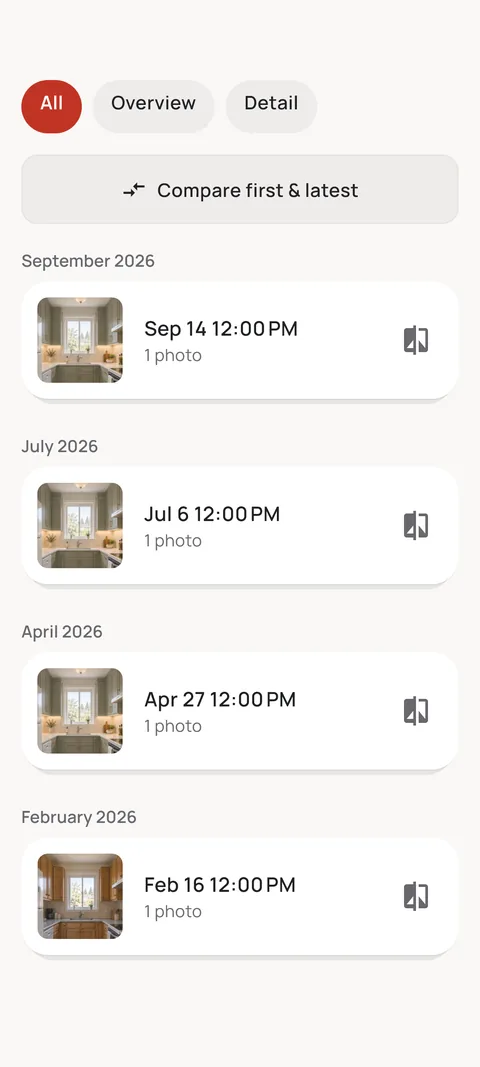
Your timeline fills up month by month. First and latest photo side by side in one tap.
Stored encrypted on your phone, never on our servers. No ads.
A faint copy of your last photo sits over the live camera, so you can line up your pose, distance and angle before you tap the shutter.
Each Journey can show a short framing tip — face the camera, turn to the side, shoot from above — so every angle is repeatable, not remembered.
The app checks how closely the live frame matches your reference and can take the shot itself once they line up.
Put two aligned photos next to each other, or drag a slider across them to reveal the change pixel by pixel.
Stack one photo on top of the other, or cross-fade between them — the most honest way to see small changes.
Set a check-in schedule per Journey — weekly, monthly, or your own rhythm — and get a gentle nudge when it's time.
Upcoming Check-ins sits on your home screen, so the next photo is one tap away instead of forgotten.
Add a line of context to any photo — a new routine, a move, a haircut — so the timeline still makes sense a year later.
Track body, skin, hair, baby, pregnancy, pet, plant, or anything you define yourself, and find any Journey in seconds.
Turn a Journey into a single image, a Timelapse, or a Transformation video. Pro exports in 1080p without the watermark.
Blur faces automatically when you export, so you can share the change without sharing who it is.
Private Journey photos are encrypted and stored only on your phone. They never touch a SeeMyChange server.
Lock the app behind a PIN or your fingerprint, so a borrowed phone doesn't mean an open photo library.
Back up an encrypted copy to your own Google Drive. The key stays with you — we can't read it.
| Feature | Free | Pro |
|---|---|---|
| Active Journeys | Limited | Unlimited |
| Ghost Overlay and framing tips | ||
| Side and Slider compare | ||
| Reminders, widget and notes | ||
| Guided alignment and auto-capture | ||
| Overlay and Fade compare | ||
| Export | With watermark | 1080p, no watermark |
| App Lock (PIN and biometrics) | ||
| Encrypted Google Drive backup |
No. Capturing with the Ghost Overlay, aligning, comparing side by side or with the slider, reminders and notes are all free. Pro adds unlimited Journeys, Overlay and Fade comparisons, guided auto-capture, watermark-free exports, App Lock and backup.
No. The on-device computer vision only helps line up the camera. It never measures, scores, diagnoses or labels anything in your photos.
Yes. Transformation Studio can blur faces automatically when you export, and private Journey photos never leave your phone unless you export or back them up yourself.