
Private by default
See how things change.
SeeMyChange lines each new photo up with your last one, so a slow change — a growing kitten, a garden filling in, a year of training — finally becomes visible, like pencil marks on a doorframe. Your photos stay encrypted on your phone.
Free to start. No ads. For Android.

- Encrypted on your phoneJourney photos are never uploaded to our servers.
- 10 languagesThe app and this site, in your language.
- 22 Journey typesFrom body and skin to pets, plants and renovations.
- No adsFree to start, with an optional Pro plan.
The same three steps, every time
Change only shows when the photos match. SeeMyChange takes care of the fiddly part.
Capture
Take a photo. An on-screen guide shows you where your last one was taken from.
Align
SeeMyChange lines the new shot up with your reference photo — on your device, before you even see it.
Compare
Slide between two dates, or scrub through your whole timeline from day one to today.
A look inside the app
Real screens from SeeMyChange. Every Journey keeps its photos, dates and comparisons in one place.
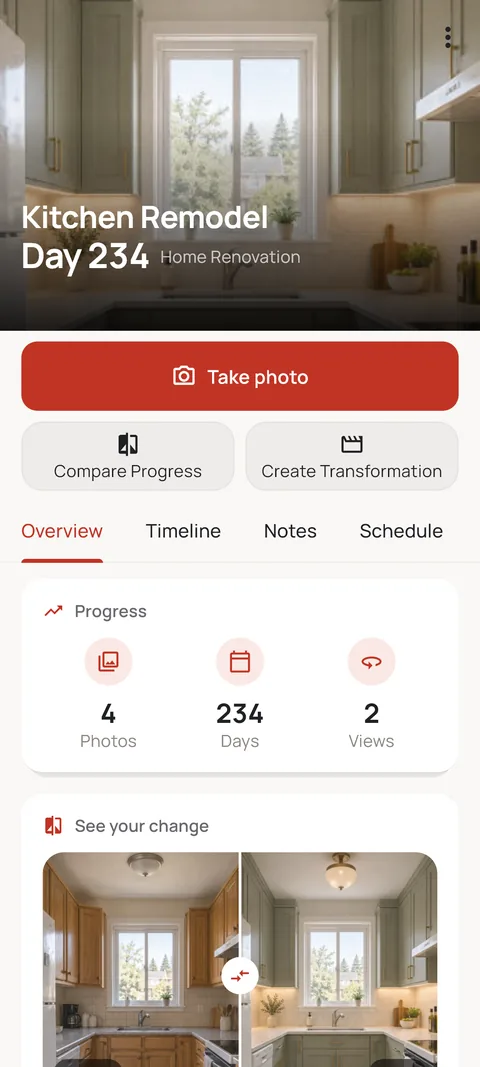
Same angle. Real change.
Put before and after side by side and see the difference clearly.
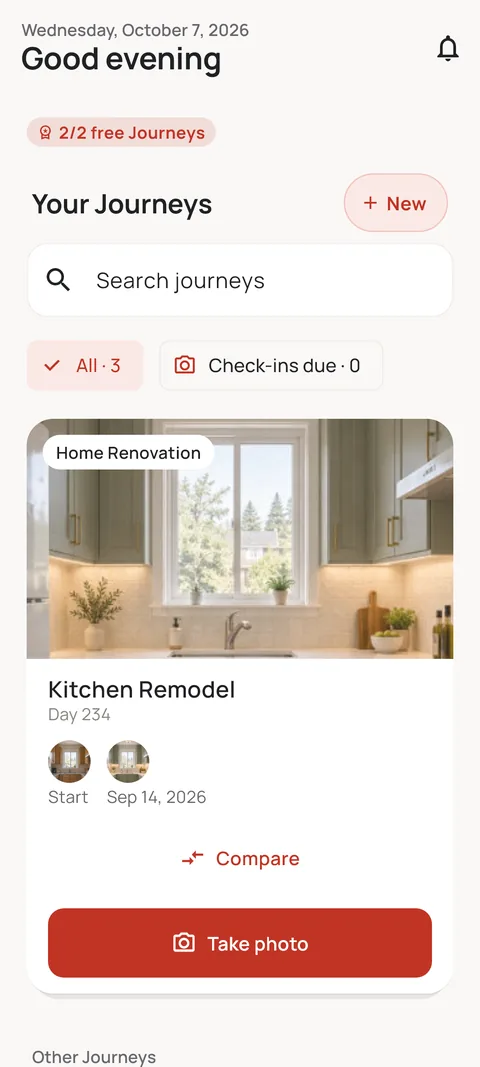
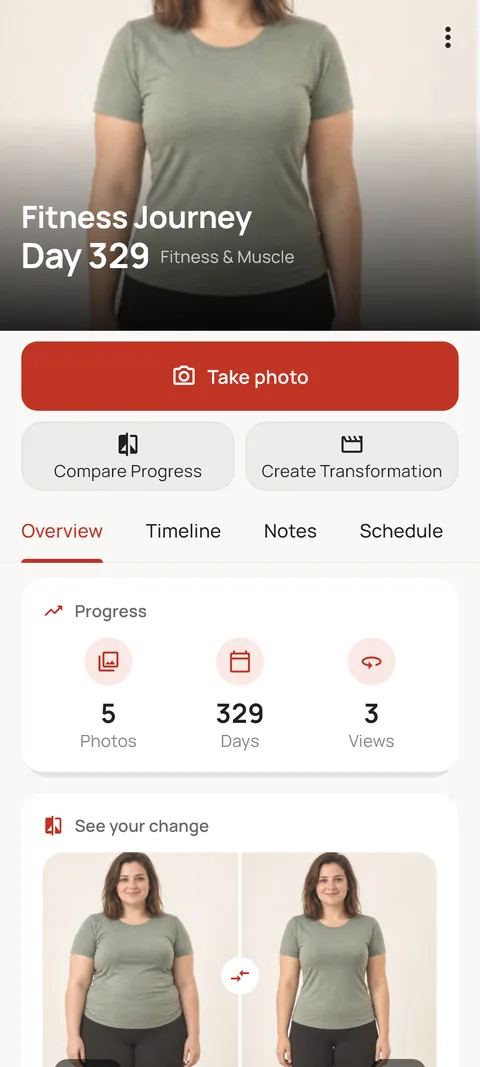
Every change, its own Journey
A kitchen remodel, your growing cat, your fitness goal: all on one screen.
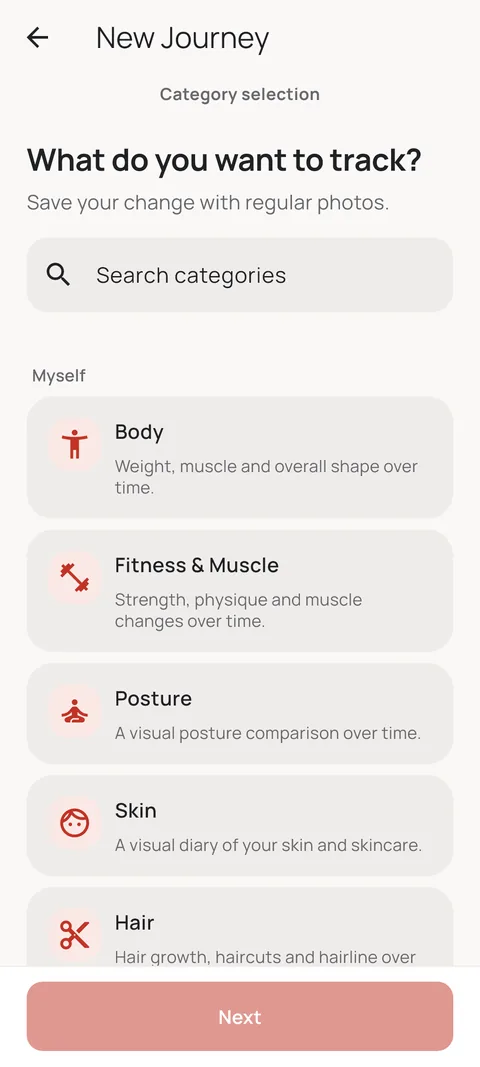
Track whatever is changing
Body, skin, hair, baby, pet, plant, home… 22 Journey types.
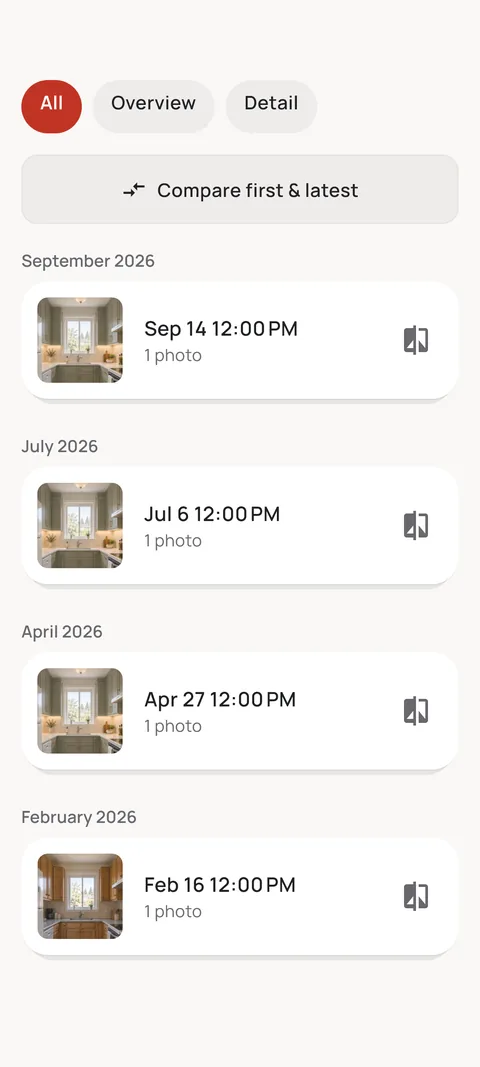
Every shot, in order
Your timeline fills up month by month. First and latest photo side by side in one tap.
Your photos stay yours
Stored encrypted on your phone, never on our servers. No ads.
Made for repeat photos
Everything you need to take the same photo again, and to see what changed between shots.
Ghost Overlay
A see-through copy of your last photo sits over the live camera, so pose, distance and angle match. Add framing guides, a level and a self-timer.
Several angles per Journey
Front, side and back in one Journey, each lined up with its own reference.
Compare any two dates
Side-by-side and Slider are free. Overlay and Fade come with Pro.
Timeline, notes, streaks
Every check-in in order, with notes, milestones and streaks to keep you going.
Reminders and widgets
Weekly, monthly or on your own schedule, plus home-screen widgets for what is due next.
Share it your way
Export a before-and-after image, a time-lapse or a transformation video, with optional face blur.
What you can watch change
22 Journey types, from the gym to the garden. These are the main groups.
Body
Fitness, weight, posture — your own pace, your own record.
Skin
Routine changes, healing, texture, tracked in your own words.
Hair
Growth, color, and styling changes over weeks and months.
Baby & Child
Growth milestones, captured the same way from day one.
Pregnancy
A week-by-week record, kept in one private timeline.
Pet
Watch a kitten or puppy grow up, one photo at a time.
Plant
From seedling to bloom — your own growth log.
Custom
Anything else that's worth watching change over time.
Why not just use your camera roll?
A gallery stores photos. A progress Journey makes them comparable.
| What you need | Camera roll | SeeMyChange |
|---|---|---|
| Matching the angle | Eyeball it from memory. | A Ghost Overlay of your last photo on the live camera. |
| Where the photos live | Mixed in with everything else you shoot. | Kept in their own encrypted Journeys, never saved to your gallery. |
| Seeing the change | Scroll back and squint. | Slider or side-by-side, between any two dates. |
| Remembering to shoot | Up to you. | Reminders on your schedule, plus home-screen widgets. |
| Showing the result | Screenshots and manual edits. | Before-and-after images and time-lapse videos, exported in the app. |
Nothing leaves your device unless you choose.
Private Journey photos stay encrypted on your phone — they're never uploaded to a SeeMyChange server. The one exception is if you explicitly publish a sanitized, watermarked photo to the optional Community feed. Until then, it stays yours alone.
Latest from the blog

Progress Photo App: Photos That Line Up
What a progress photo app should do, and how to take before-and-after photos that actually match.
8 min read
Daily, Weekly or Monthly? Choosing a Photo Cadence
Daily, weekly or monthly — how to choose a photo rhythm that fits what you're tracking and that you'll actually keep.
5 min read
Missed a Few Weeks? How to Restart Without Guilt
Gaps happen. How to pick a Journey back up after missed weeks without starting over — and why the gap matters less than you think.
5 min readQuestions
Is SeeMyChange free?
Yes. The core capture, align, and compare loop is free. A Pro subscription adds more Journeys, backup, and export options.
Where are my photos stored?
On your device, encrypted. Private Journey photos are never uploaded to a SeeMyChange server. Pro users can optionally back up an encrypted copy to their own Google Drive.
What can I track?
Body, Skin, Hair, Baby & Child, Pregnancy, Pet, Plant, or a fully Custom category — anything that changes visually over time.
What is Community?
An optional, opt-in feed where you can publish a sanitized, watermarked derivative of one photo. Your private Journey is never synced or made public — only what you explicitly choose to share.